The 10 Mistakes That Kill AI Projects
Most AI projects don't fail because of bad prompts. They fail because there's no structure around the work. The prompts are fine. The AI is capable. But the project still falls apart after session two because nobody built the operating system the AI needs to do consistent, compounding work.
After four years of deploying AI across startups, public libraries, and my own software products, I've watched the same ten mistakes kill projects over and over. Different teams, different tools, different industries — same patterns. I call them the Chaos Loop, because once you're in one, every mistake feeds the next.

The Chaos Loop: Why AI Projects Spiral
These ten mistakes don't happen in isolation. They cascade. You hit the Chat Trap, which causes a Premature Build, which leads to Scope Bloat, which creates Context Overload — and suddenly you're three weeks in with nothing shippable. Each mistake makes the next one more likely.
1 The Chat Trap
This is the foundational mistake, and nearly everyone makes it. You treat the AI chat window as your project workspace. All your decisions, architecture notes, constraints, and progress live inside a conversation that will evaporate the moment you close the tab.
The Chat Trap feels productive because you're getting immediate responses. But you're building on sand. Every piece of knowledge you generate is ephemeral. Close the session, and you start over. The fix isn't to have longer chats — it's to preserve your thinking outside the chat in structured, persistent files your AI can reference later.
2 The Premature Build
You have an idea, you open a chat, and you immediately ask the AI to start building. No spec. No constraints. No success criteria. The AI happily generates code, content, or architecture — and it's wrong, because it was never told what "right" looks like.
So you rebuild. And rebuild again. I once watched a team go through three complete rebuilds of a feature because nobody wrote a one-page spec first. Three rounds of generating, reviewing, discarding, and re-prompting — when ten minutes of upfront specification would have nailed it on the first pass. The AI isn't psychic. If you don't define what you want before you start building, you'll define it through expensive iteration after.
3 Scope Bloat
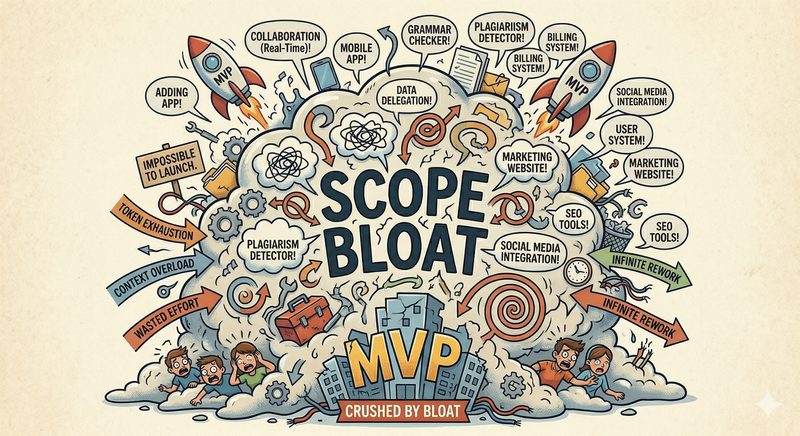
AI makes it easy to add things. Too easy. You ask for a login page and the AI offers OAuth, SSO, passwordless auth, and social login. You ask for a dashboard and suddenly there are twelve widgets, three chart libraries, and a notification system nobody requested.
Without explicit constraints and a defined feature boundary, AI will expand scope until the project becomes impossible to ship. The solution is a constraints file — a document that tells your AI not just what to build, but what not to build. Guardrails aren't limitations; they're how you actually finish things.
4 Context Overload
This is the opposite of having too little context — and it's just as destructive. You dump your entire codebase, all your docs, every conversation transcript into the prompt, thinking more context equals better results. Instead, you get 50,000 tokens of noise and an AI that can't find the signal.
Large context windows aren't the solution. They're a trap of their own. When an AI has access to everything, it prioritizes nothing. The architecture decisions from week one get equal weight to the throwaway experiment from yesterday. What you need is progressive disclosure — feeding the AI the right context for the current task, not all context for every task.
5 Missing Guardrails
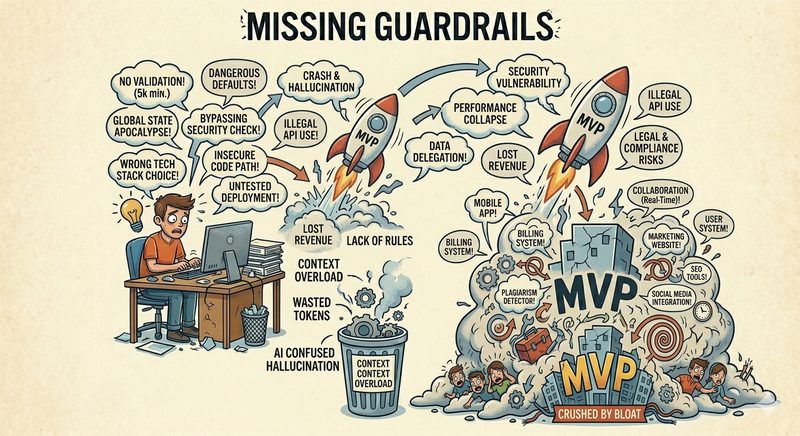
You ask the AI to build a feature without telling it your tech stack, your code conventions, your deployment environment, or your performance constraints. So it picks its own. It chooses a framework you don't use. It writes patterns that conflict with your codebase. It generates something technically correct but practically useless.
Missing guardrails don't just create bad output — they create slow output. You spend more time correcting the AI's assumptions than you would have spent defining them upfront. A constraints document that lists your stack, your conventions, and your non-negotiables pays for itself in the first session.
6 Skill Duplication
You write the same kind of prompt over and over. Every project starts with the same boilerplate instructions: "You are a senior developer. Follow these conventions. Use this stack. Format your responses like this." You're re-teaching the AI things it already knew — in the last session, with a different project.
Reusable skill files solve this. Instead of re-prompting every time, you build a library of instructions your AI can load on demand. Code review guidelines, writing standards, deployment checklists — write them once, reuse them across every project. Your AI's capabilities should compound across projects, not reset every time.
7 The Cold Start
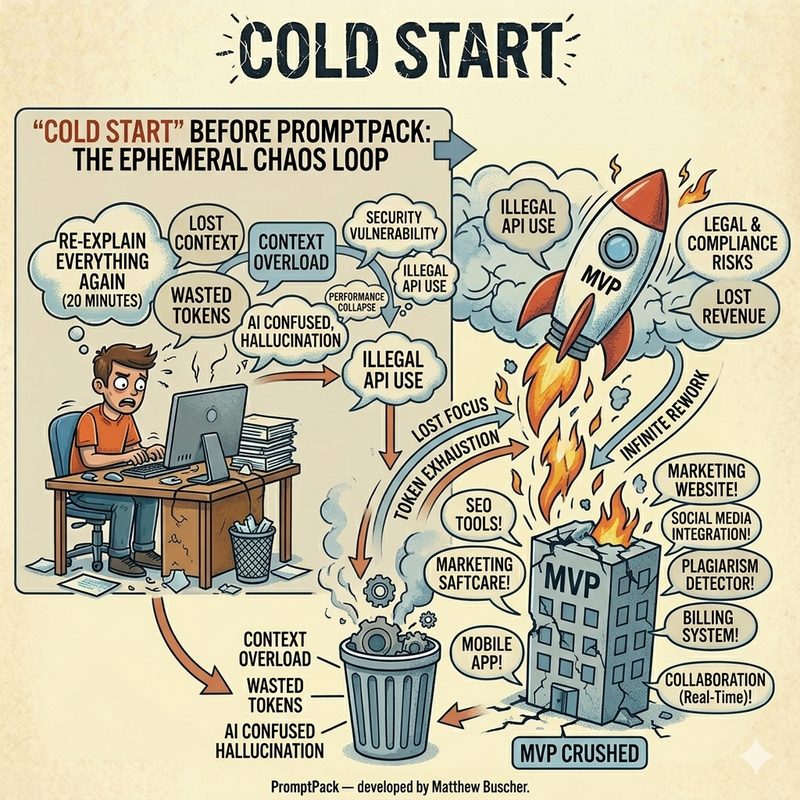
Monday morning. You open your AI tool. Where were you? What did you decide last Thursday? What's the current state of the database migration? The AI doesn't know. You don't remember. So you spend 20 minutes re-explaining the project from scratch — re-establishing context that existed perfectly well 72 hours ago.
The Cold Start isn't just an annoyance; it's a compounding tax. Every session that starts with re-explanation wastes tokens, wastes time, and introduces inconsistency because your re-explanation is never identical to the original context. A structured handoff document — updated at the end of every session — eliminates cold starts entirely. Two minutes of writing saves twenty minutes of re-explaining, every single session.
8 The Stale Cascade
Your project evolves, but your documentation doesn't. The spec from week one no longer reflects reality. The architecture doc describes a system you already changed. The task list includes items you completed or abandoned. Now your AI is working from outdated instructions, generating output that conflicts with the current state of the project.
This is the quiet killer. Everything looks organized — you have docs, specs, a task list — but the content is stale. The AI follows the stale docs faithfully, which means it's faithfully building the wrong thing. Version-controlled project files with regular updates are the only defense. If your docs don't evolve with the project, they become liabilities instead of assets.
The Pattern Behind the Pattern
Look at all ten mistakes together and a single root cause emerges: there's no operating system for the project. The AI has no persistent structure to work within. Each session is improvised. Each prompt is ad hoc. There's no canonical source of truth, no defined workflow, no mechanism for knowledge to compound across sessions.
The AI isn't the problem. The absence of structure around the AI is the problem.
When you add that structure — a project definition, a spec, constraints, reusable skills, a handoff document, and version-controlled files — every one of these ten mistakes disappears. Not because you're prompting better, but because you've built the infrastructure that makes good output inevitable.
What the Fix Looks Like

The right side of the diagram shows what changes when you treat knowledge as infrastructure. Your thinking lives in markdown files, not chat bubbles. Your AI reads structured context before it starts working. Updates flow into persistent documents, not ephemeral conversations. Every session compounds on the last one instead of starting over.
This isn't a theory. It's a system I built over four years, tested across dozens of real projects, and packaged into a set of templates called PromptPack. The methodology works with any AI — ChatGPT, Claude, Gemini, Copilot, OpenClaw — because it's built on markdown files, not platform-specific features. If your AI can read text, it can use this system.
The shift is simple but fundamental: stop treating AI as a chat partner and start treating it as a managed team member. Give it the same things you'd give a new developer joining your project — a project brief, a spec, constraints, conventions, and a status update on where things stand. That's all it takes to break the Chaos Loop.
Stop Losing Your Best Thinking to AI Chat
PromptPack gives your AI the structure it needs to do consistent, compounding work across every session. Markdown templates that work with any AI platform.
Get PromptPack